

What the A in USB-A ports stands for

Tech Desk
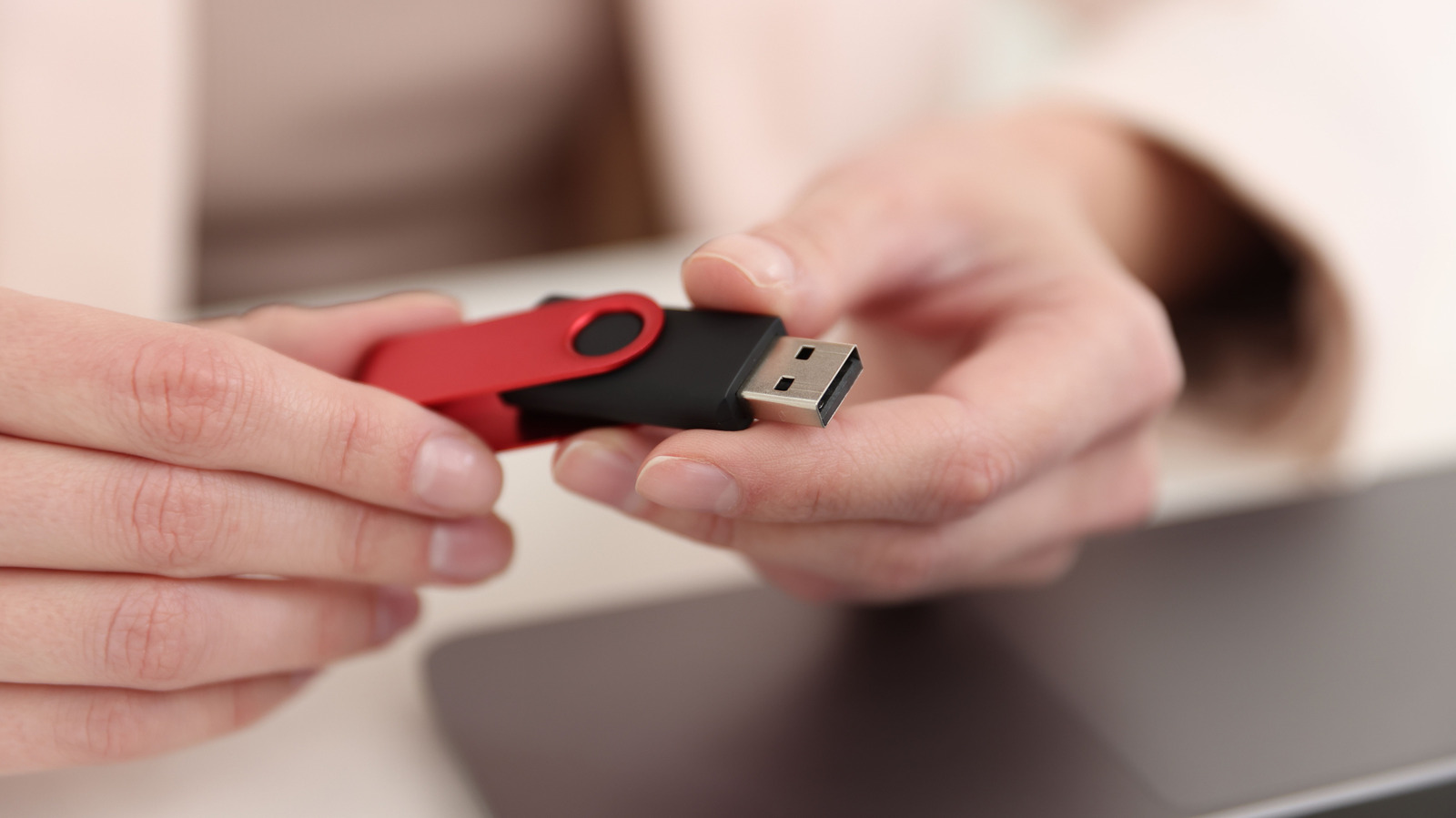
USB-A ports are reassuringly familiar to just about everyone, but the performance capabilities aren't readily apparent all the time. A USB 2.0 connection has a maximum data rate of 480 Mbps, but there are faster USB-A implementations that support 5 Gbps or 10 Gbps. It is important to remember that these connection limitations determine why a device might not function as expected when plugged in.
Advertisement
If you find a USB-A cable in a drawer, it may only have charging capability, or it might be able to both transfer data and charge devices. Without the associated specs and labels, it is simply a USB-A cable with unknown capability. Before connecting a USB-A cable to a PC port, you should check the capabilities of both the cable and the port.
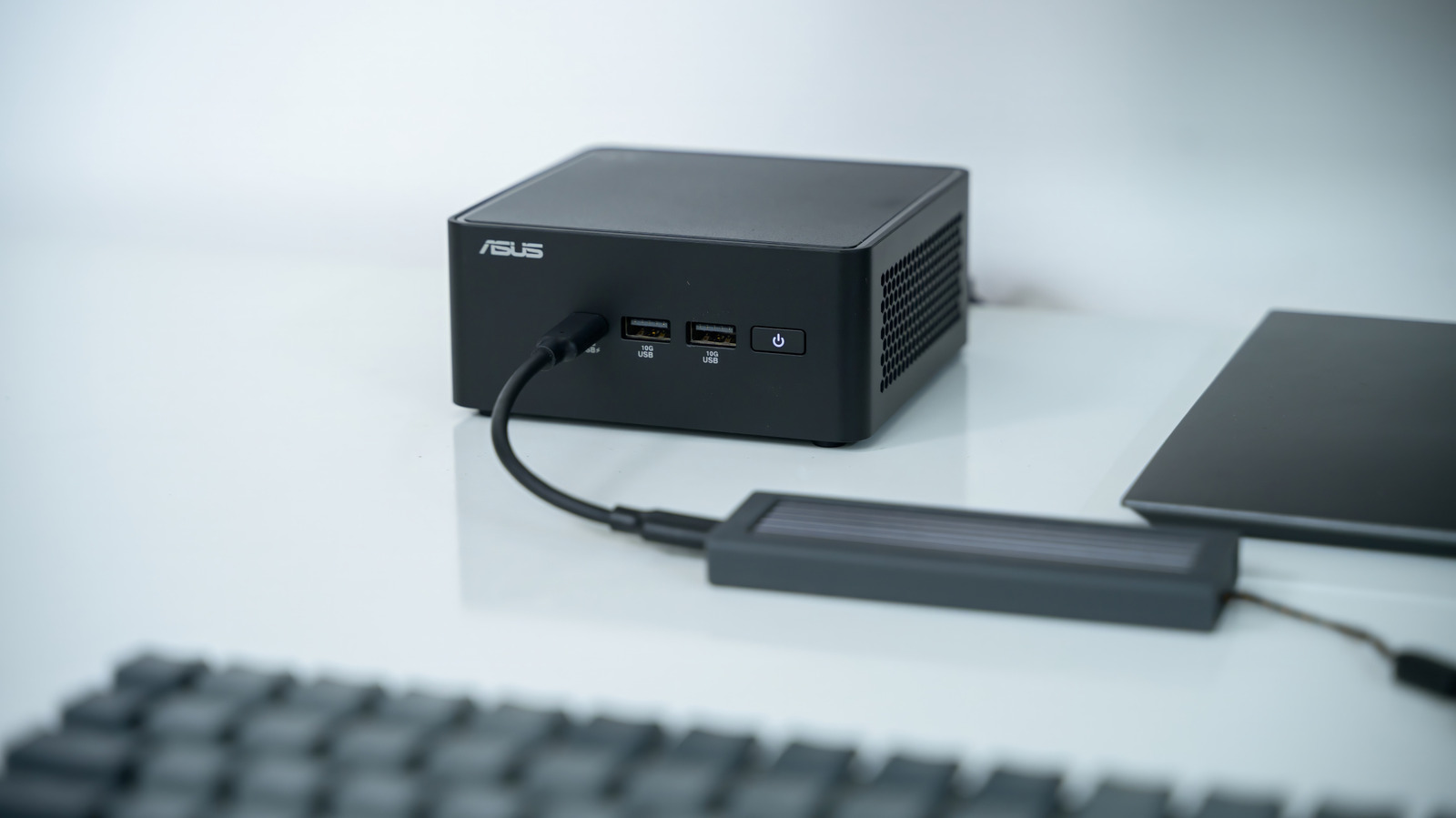
There are usually markings beside each port, including a trident symbol, or you can locate this information in the PC's manual. While there are colour differentiators, most are not universal and are mostly up to the manufacturers. For example, a teal port usually indicates a faster USB connection, but this is not a guarantee. If you are connecting a keyboard or mouse, they usually do not require the bandwidth that an external SSD does, so choose carefully.
A USB 2.0 designation is not an automatic qualifier for USB-A only, as even a USB-C can be limited to USB 2.0. You should separate the designator from the capability and carefully match them so you know exactly what you have and what you can do.