


How to clear the cache on an Xbox Series X

Tech Desk
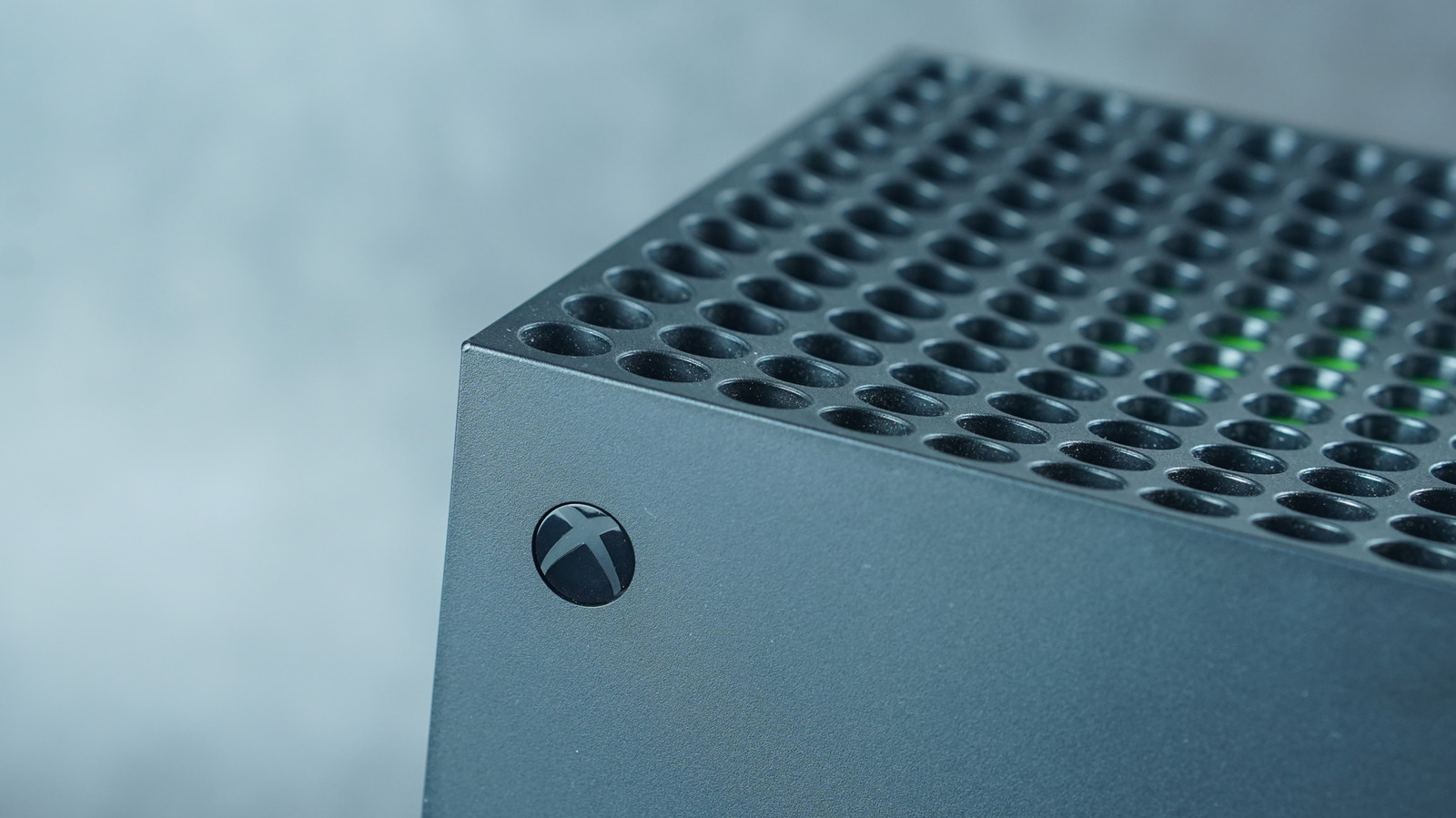
While it is good practice to clear the cache on your Xbox Series X occasionally, there is no set schedule for this task. You should simply perform this action whenever the console feels sluggish.
Advertisement
If your experience is abysmal, you may choose to perform a reset. Before resetting, connect the console to the internet to sync save data to the Xbox network. Navigate to Settings > System > Console info > Reset console to begin. You can select the option Reset and keep my games & apps to avoid the hassle of redownloading, though you will need to sign back into your accounts.
If the console does not feel snappy or games do not run as expected, consider a factory reset by choosing Reset and remove everything in the settings. Starting fresh with a factory reset can feel like a chore as it wipes everything and unsynced data is lost. Despite the wait time to redownload and other drawbacks, this could get your games to run smoothly so you can enjoy your Xbox couch sessions.