


Choosing between sleep and shutdown modes for your mini PC

Tech Desk
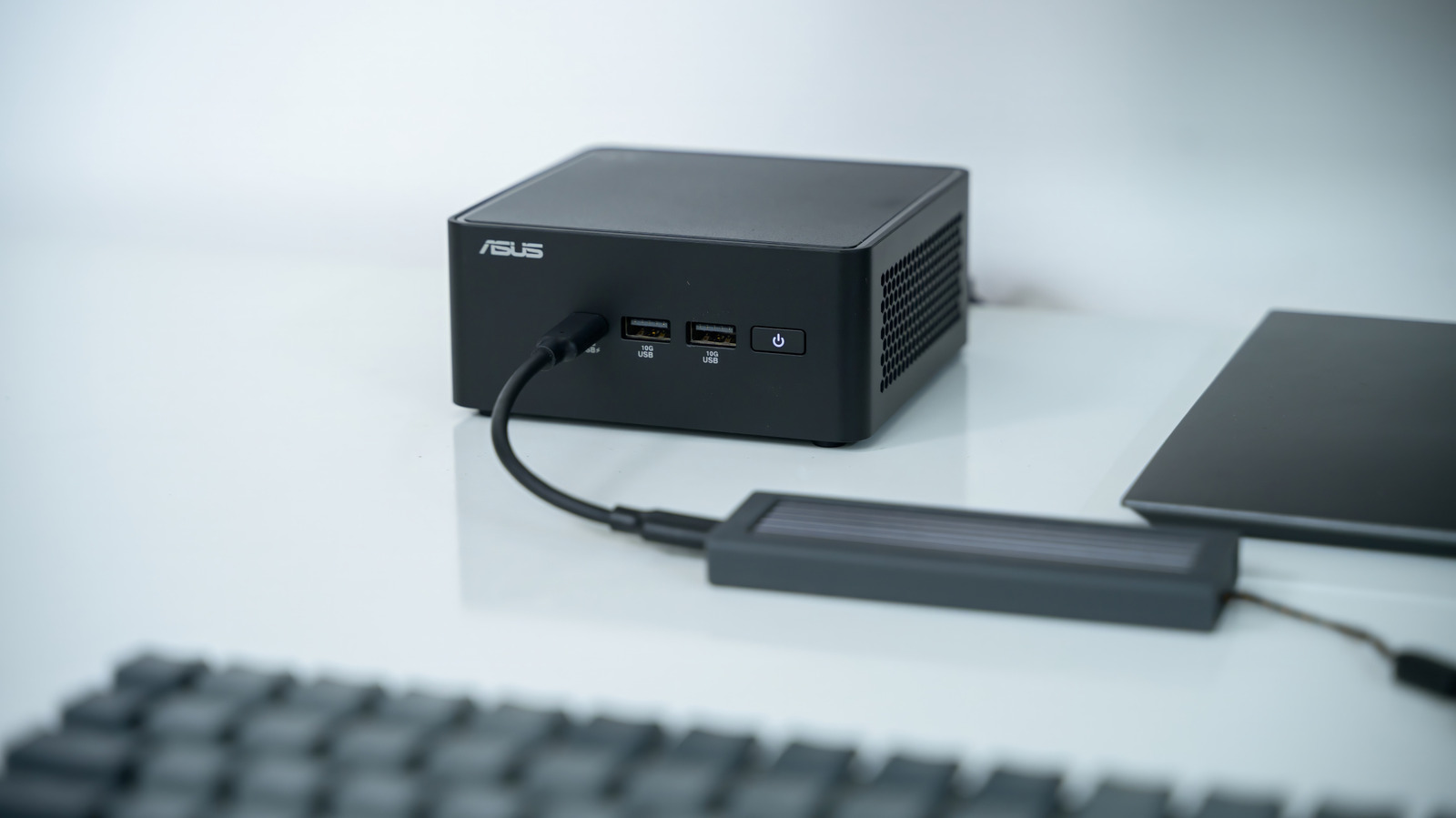
When stepping away from a mini PC for a few minutes, putting the device to sleep is the most efficient choice because it allows you to resume your work within seconds. Even with modern SSDs, users must wait a couple of minutes to reach the desktop if they perform a full shutdown.
Advertisement
For extended periods away from the computer, sleep mode remains a convenient option as it keeps your programs open for later use. While the downside is that the mini PC still draws some power in this state, it consumes considerably less energy than when the machine is fully operational. Mini PCs in sleep mode typically use between one to four watts, which will barely register on most electricity bills.
If you do not require your programs to remain active, a full shutdown allows you to unplug the mini PC entirely. This may be beneficial in regions with high electricity rates, although it is usually not a major concern. Performing a complete shutdown can also be useful to give your computer a fresh start from time to time.
Users seeking the best of both worlds should consider the Windows hibernation feature. When using hibernation, your PC saves the current state of any open programs to your disk before completely powering down. Upon turning the PC back on, it restores your previous session, including any open applications and documents. Like a full shutdown, hibernation allows you to safely unplug the computer from the wall, though booting takes longer than resuming from sleep.
There is no need to worry about wearing out internal components while in sleep mode, as the small amount of power running through them will not cause significant damage. Provided you do not experience frequent brownouts or similar electrical anomalies, modern electronic components are far more durable than those from previous decades.