


How to decide between repairing or replacing a PC motherboard

Tech Desk
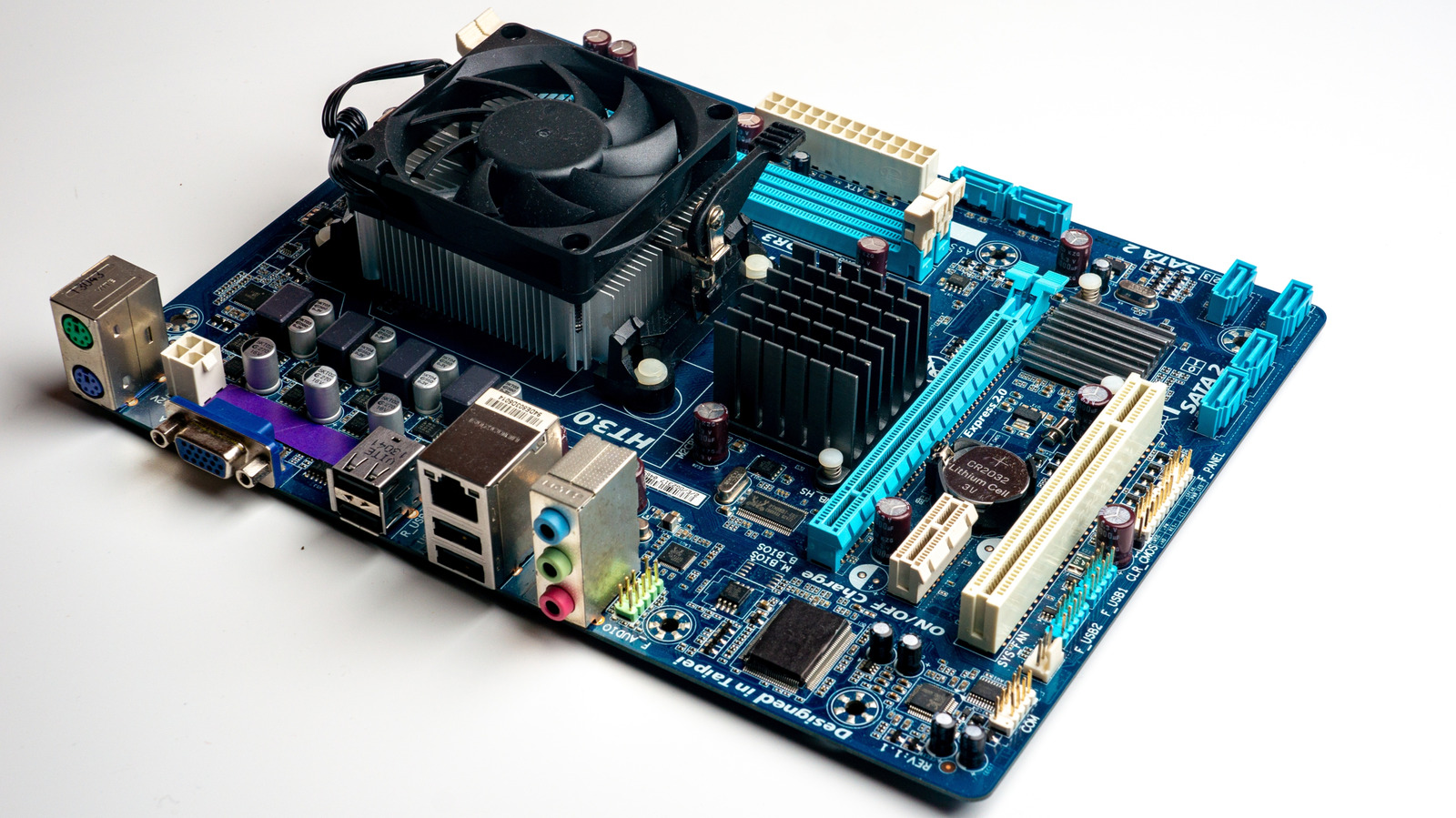
A standard motherboard of decent quality can last up to a rather generous ten years. However, PC parts are some of the most unpredictable pieces of hardware in the entire world, and the choice of a motherboard often frames the entire identity of a build, meaning you may eventually need a full-blown replacement.
Advertisement
In some cases, a motherboard's dying breaths are signaled by a POST failure. POST, or the power-on self-test, is what all motherboards do when you boot the PC to check the health and status of your components, but a failure accompanied by beeps or signals is when you will need to worry.
Additionally, if your PC is having issues reaching your operating system or you are getting hit with random "blue screens of death," it could be a sign that something has gone wrong on the board itself. Damaged capacitors or unruly thermal paste applications can lead to overheating and internal board damage, while RAM and PCIe slots going bad may mean replacing the motherboard is your only choice.
On the other hand, replacing a board can sometimes be an upgrade that is beneficial in the long run. If you haven't upgraded your board in a while, it can be useful to look into an update, and while higher-end boards will run your bill up, you can get decent units of remarkable quality for a shockingly low price. Motherboards are fairly sturdy pieces of hardware, but replacing your old board with something you want has more value than it seems, so even if your current motherboard is working OK, it may be worth looking into updating to newer hardware.