


How NFC tags work and what they do

Tech Desk
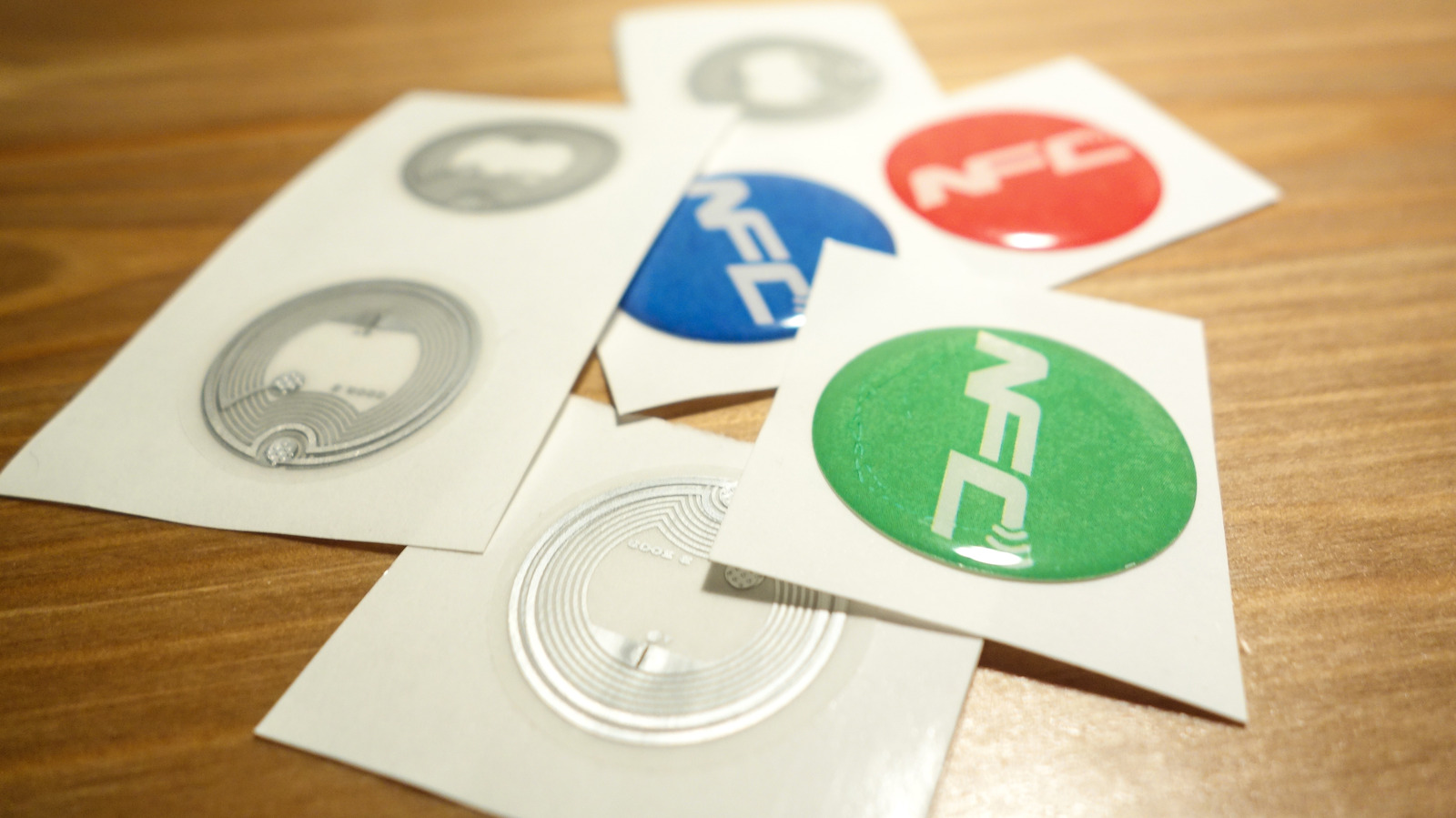
Some individuals mistakenly believe that NFC tags are merely slim versions of AirTags, but this is not the case. If you have stayed in a hotel during the last five years, you have likely observed that room keys have evolved. Certain keys are now credit-card-sized pieces of wood that communicate with the door, while other hotels permit the use of a smartphone to unlock access. Some establishments offer both options, a development made possible by NFC, which is described as the sleek and cool child of RFID technology, the same tech found in items like pet microchips.
Advertisement
NFC operates at a much shorter range than RFID, a factor that actually enhances security, and its ability to communicate in both directions is why your phone can function as a key. These NFC tags are now so thin and inexpensive to manufacture that one can acquire a pack of several dozen stickers for only a few dollars. It remains important to understand exactly what an NFC tag is, its various uses, and whether users should be cautious regarding the technology.
NFC stands for near-field communication, and similar to Bluetooth or Wi-Fi, it is a wireless radio standard that enables different devices to exchange information, much like RFID. Both of these technologies utilise radio waves to transmit data, but depending on the specific type, RFID signals can be read from distances reaching hundreds of feet. In contrast, NFC functions only over very short distances of under an inch, making it ideal for tapping a credit card on a reader.
An NFC tag is essentially a tiny chip containing a small amount of memory and an antenna. Because it lacks a battery, it draws power from whatever device reads it through magnetic induction, which is the same technology used for wireless phone charging. Once the tag is sufficiently close to a reader, the reader energises the tag and extracts the stored data in a blink.
Due to their low cost and simplicity, NFC tags are frequently utilised to store basic commands that execute automatically. Many smart-home owners use them as physical switches; by tapping a phone over a sticker located near an exit, a user can trigger a leaving the house scenario where lights turn off, blinds close, and the alarm is activated. Restaurants may place small NFC stickers on tables to allow customers to connect to Wi-Fi and open a digital menu on their devices.
Advertisement
The affordability of NFC tags and the ease with which they can be placed anywhere make them useful for a wide array of applications. They are found on posters, business cards, ski lift passes, and elevators. Users scan these tags with an NFC-enabled phone, which sends a command to open a webpage or activate a feature on the device.
In instances such as tap-to-pay, transit gates, and hotel room keys, the opposite process occurs. Your phone acts as the NFC tag, and once it is close enough to the reader, it activates and transmits the stored information. Apple only granted third-party developers access to the iPhone's NFC chip with iOS 18.1, meaning apps outside of Apple Wallet can now perform this function.
An NFC tag cannot track you. While some believe it is just a thin version of an Apple AirTag, the two are very different. An Apple AirTag contains its own battery and transmits a Bluetooth signal that nearby Apple devices can detect and report back to the owner. An NFC tag has no battery, cannot transmit a signal independently, and only activates when nearly touching a reader. Consequently, a sticker placed in your luggage or on a jacket cannot inform anyone of your location.
Most people leave NFC enabled because it consumes very little power and only activates at a very close range. It will not transmit your card details to a stranger brushing past your pocket, as both Apple and Android phones require you to unlock the device to activate NFC capabilities, with the exception of Express Mode for transit cards, which skips this check to allow faster passage through a gate. If you wish to disable NFC, Android users can switch it off in Settings under Connections or Connected devices, depending on the brand. For iPhone users, the situation is different, as NFC on iPhone XS and newer is always on and cannot be turned off.