


Wireless Android Auto battery drain can be reduced by switching to LTE and adjusting settings

Tech Desk
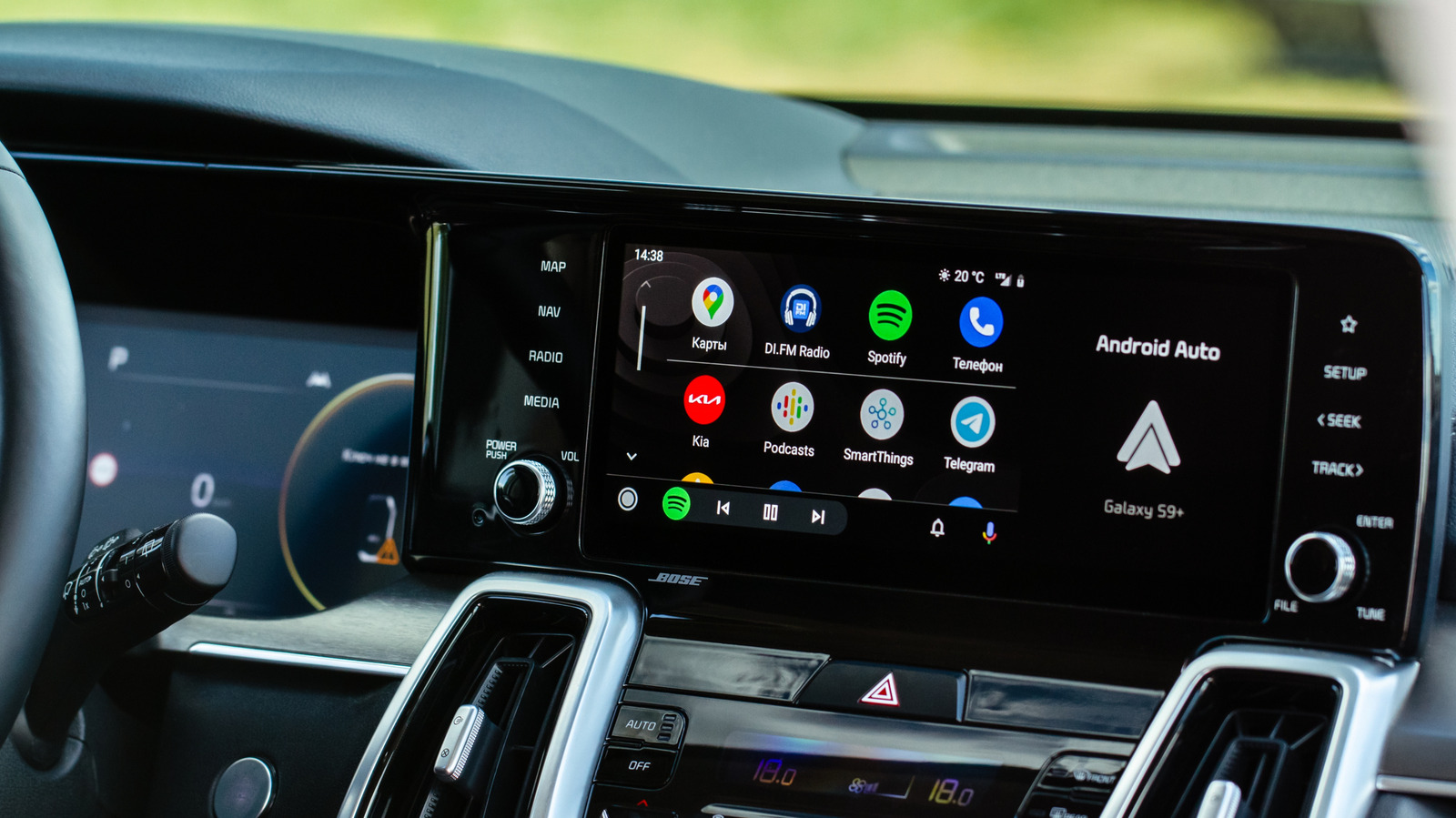
Wireless Android Auto can cause rapid battery loss, especially when the phone remains on a 5G connection. Switching to LTE makes the biggest difference because some networks keep an LTE link alongside 5G, which raises power consumption. LTE remains fast enough for navigation and music. To change the mode on a Samsung Galaxy, open Settings > Connections > Mobile networks > Network mode and select LTE preferred; on other phones look for Network mode or Preferred network type.
Advertisement
Disabling 3D buildings in Google Maps also helps lower heat. With the car parked, open Google Maps on the car’s screen, go into Settings and turn off 3D buildings. Google Maps can save a map of your route before you leave, cutting mobile data use and device strain; tap your profile picture, choose Offline maps, adjust the area to cover the route and tap Download. Offline maps cannot reroute around live traffic or new road issues, so they are best for long, predictable drives such as highways or familiar roads.
Wi‑Fi and Bluetooth scanning give apps better location data but add background jobs. You can switch both off under Settings > Location > Location services, although wireless Android Auto still needs Wi‑Fi and Bluetooth turned on. To stop Android Auto from launching when you don’t want it to, toggle off the Start Android Auto while locked setting; this does not stop calls from connecting over Bluetooth.