


Five features of the Steam overlay

Tech Desk
When you access the Steam overlay, you will see shortcuts for various features located along the bottom of the interface. Simply press one of these buttons to launch the specific tool you wish to utilise.
Advertisement
You can surf the web without leaving your game. While you could Alt-Tab out of a game to open a browser, using Steam's built-in browser is often much smoother because it is integrated directly into Valve's client. It is a convenient way to check information, such as how to tackle a quest you are having trouble with, without taking yourself out of a game completely. Additionally, you can access Steam's often excellent community guides directly from the overlay, making them easy to reference, especially if you favourite one.
If you are playing a puzzle game like Blue Prince or Tunic, being able to jot down notes as you try to piece together clues can make things so much easier. Steam's built-in text editor is fairly robust, allowing you to format text and write code blocks.
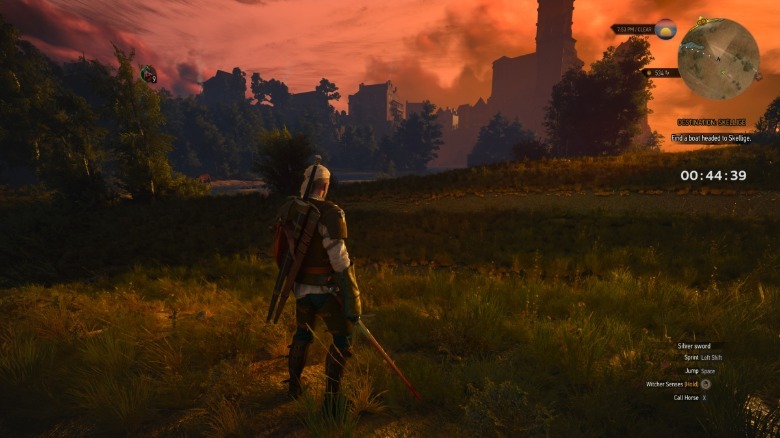
For many people, gaming time is limited most days. If you try to sneak in gaming sessions whenever you can, you might often only have 45 minutes or an hour before you need to be doing something else. For that reason, using the overlay to keep track of time and set timers is really helpful.
Again, you could just use your smartphone to do that, but the beauty of doing things this way is you do not need to look at your phone. A bonus tip is that you can pin any element of the overlay so that it appears in-game. This is particularly handy to do with the timer. If you do pin something, it will not appear in any screenshots you take directly through Steam.


